








BMW VMC Multimedia AI Box – Engineered for iDrive Systems (I6, I7, I8, I8.5, I9, I10)
Shop now. Pay with Klarna.
Pickup available at VMC Birmingham Warehouse
Usually ready in 24 hours
BMW VMC Multimedia AI Box – Engineered for iDrive Systems (I6, I7, I8, I8.5, I9, I10)
No
VMC Birmingham Warehouse
Unit 3-4, Angel Works, St Andrew's Street
Birmingham B9 4JT
United Kingdom
VMC Walsall Warehouse
Mansory Trading Estate, Masons Wharf, 135 Bloxwich Rd
Walsall WS2 8BS
United Kingdom
VMC Wednesbury Warehouse
VMC Garage, Salisbury St
Wednesbury WS10 8BQ
United Kingdom
VMC Wolverhampton Warehouse
7 Planetary Rd
Unit 8
Willenhall WV13 3XA
United Kingdom
Description
2026 BMW VMC AI Android Multimedia Box - Ultimate Car Entertainment Solution
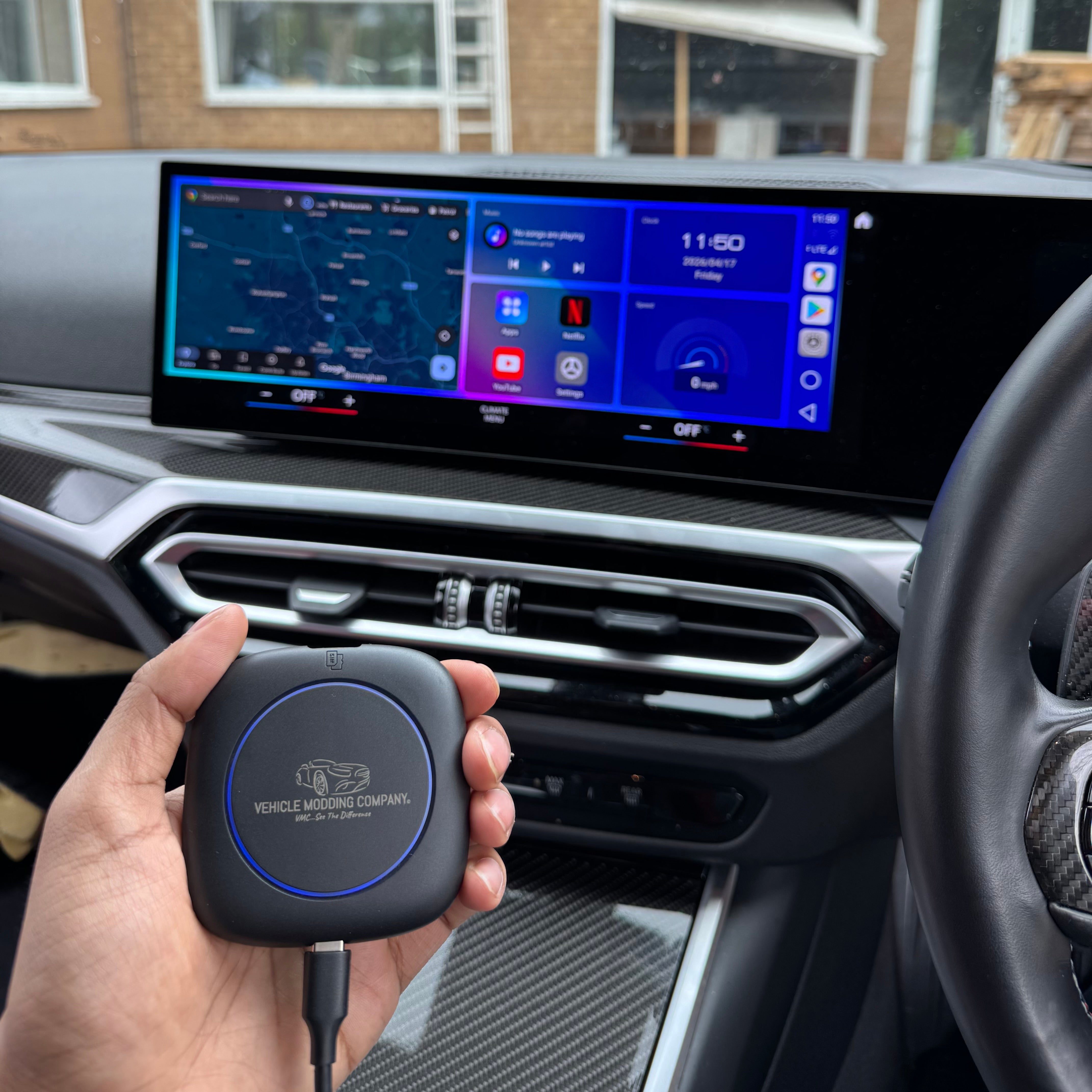
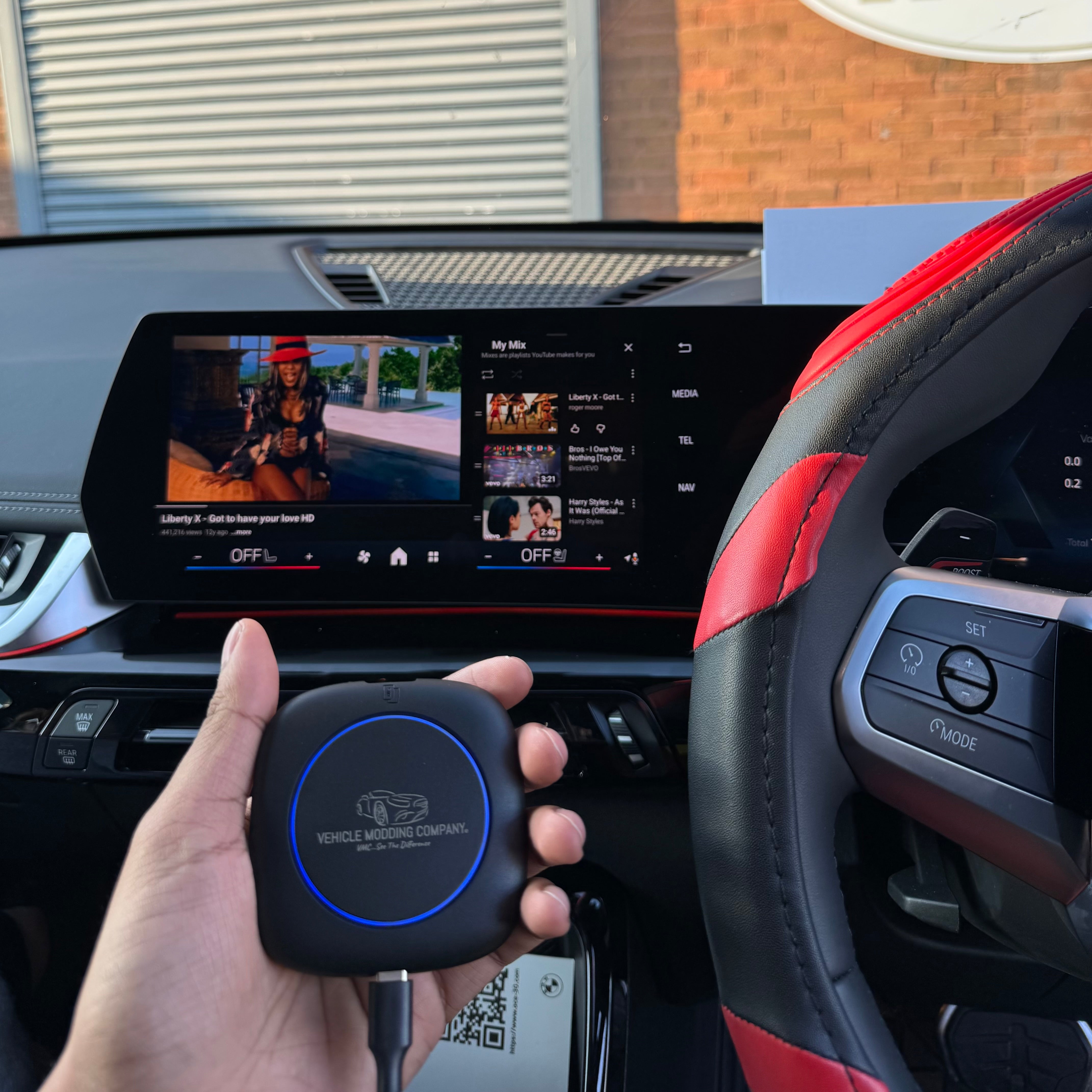
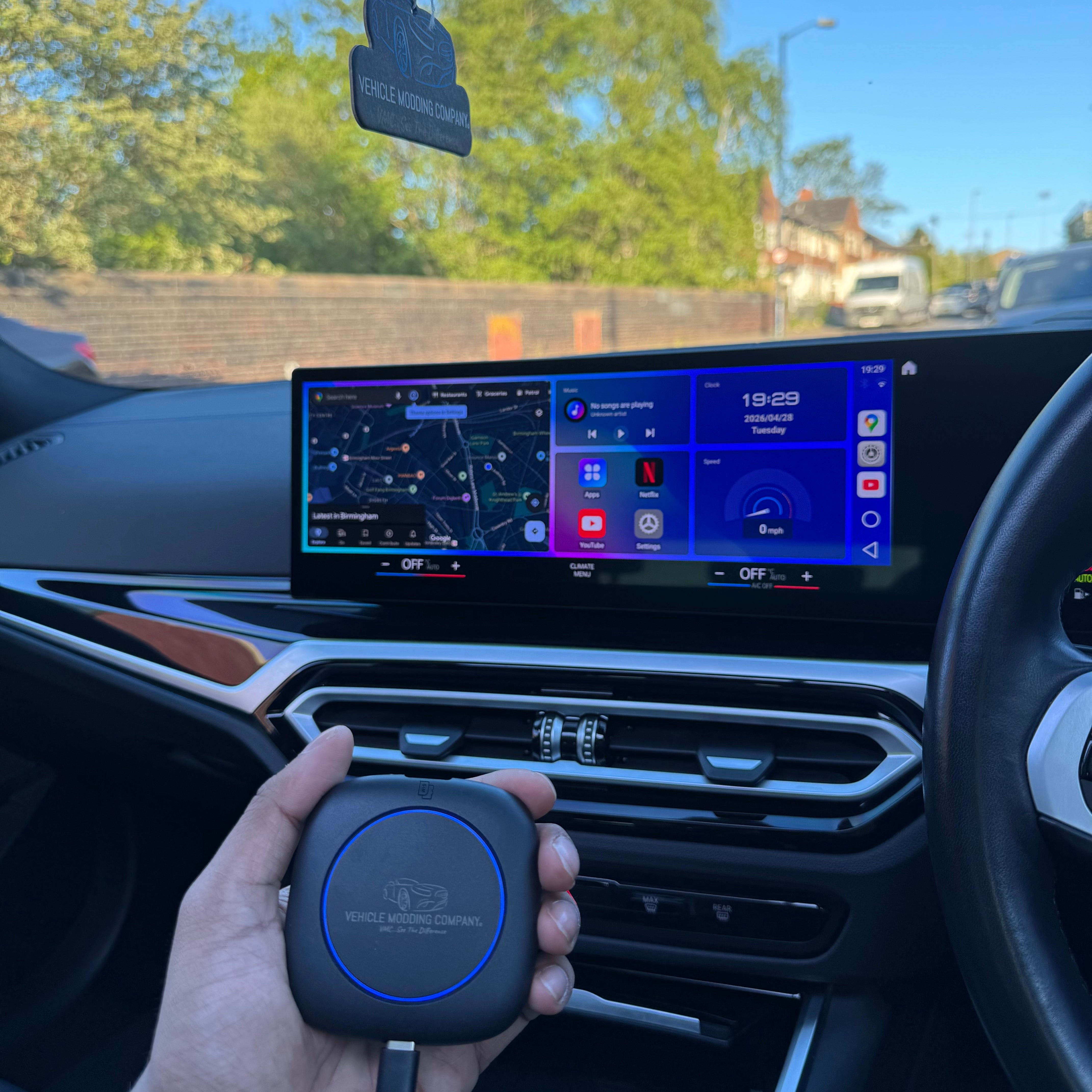
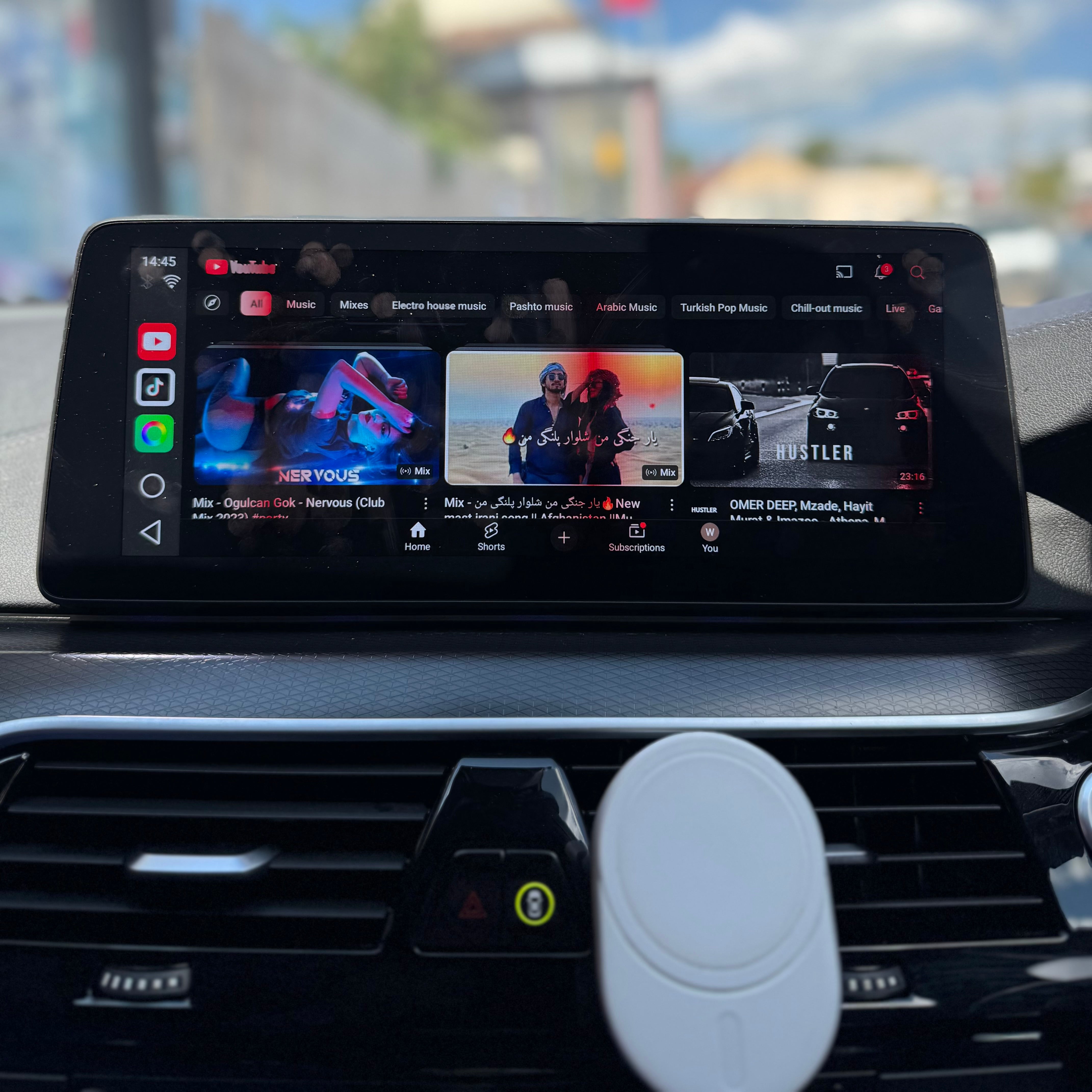
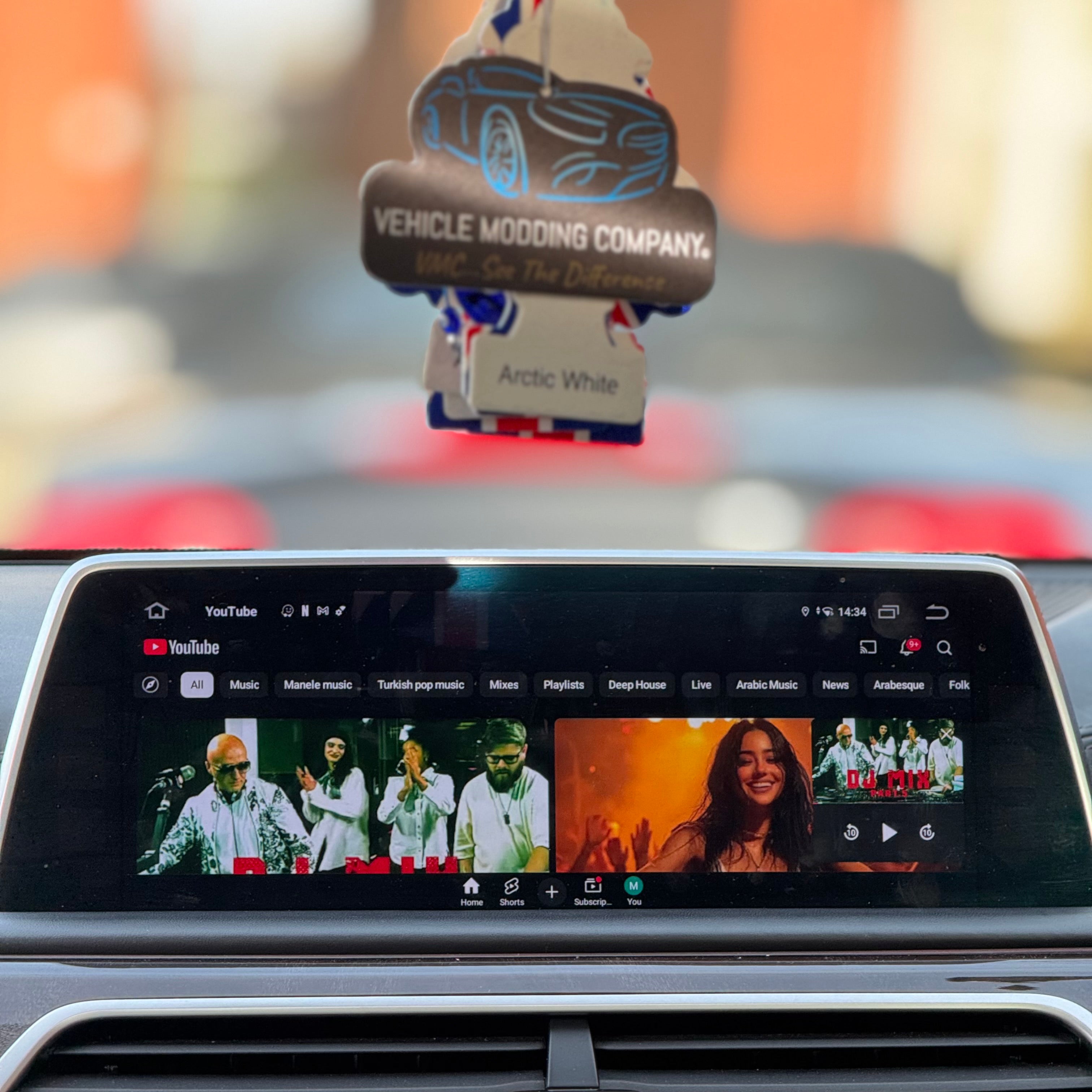
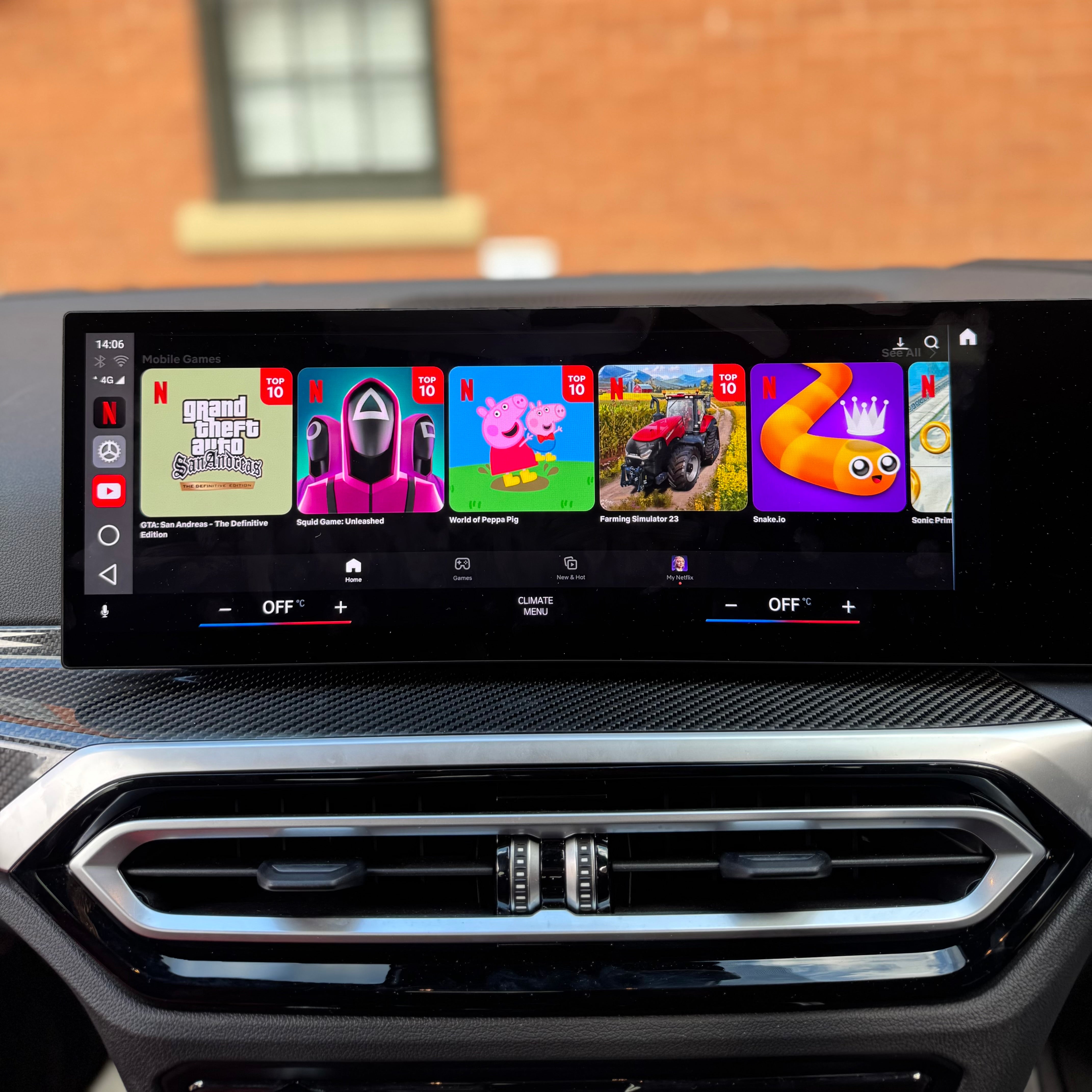
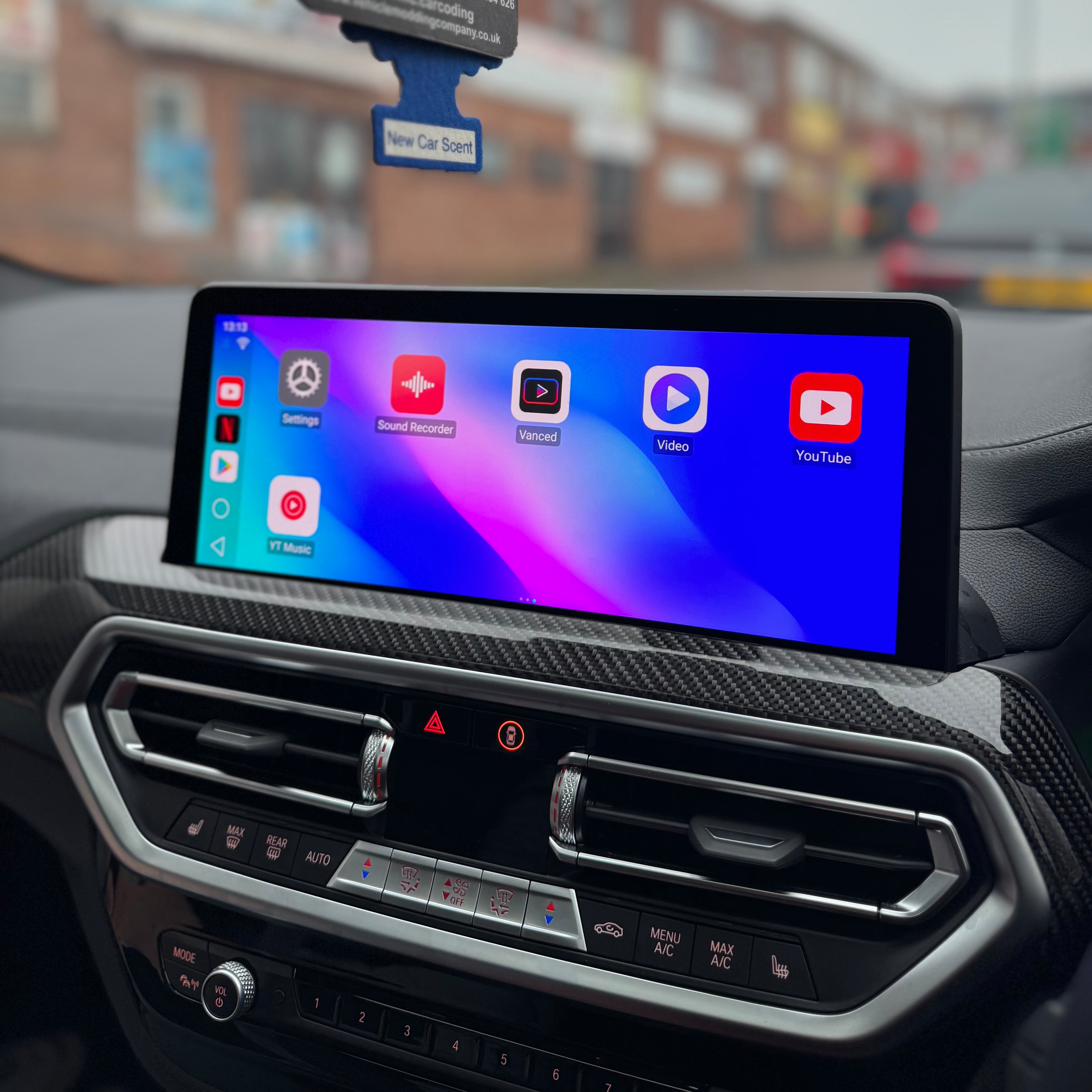
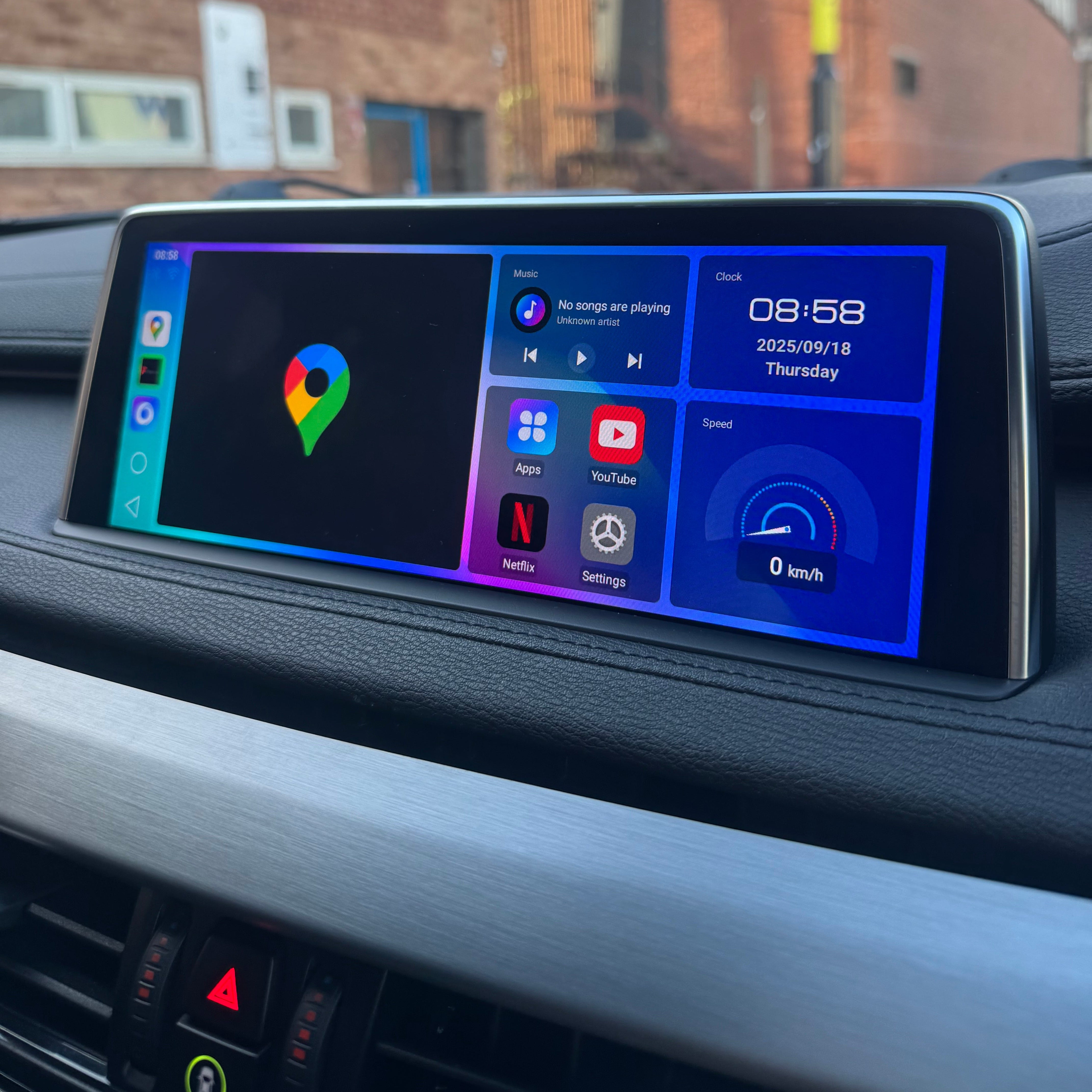
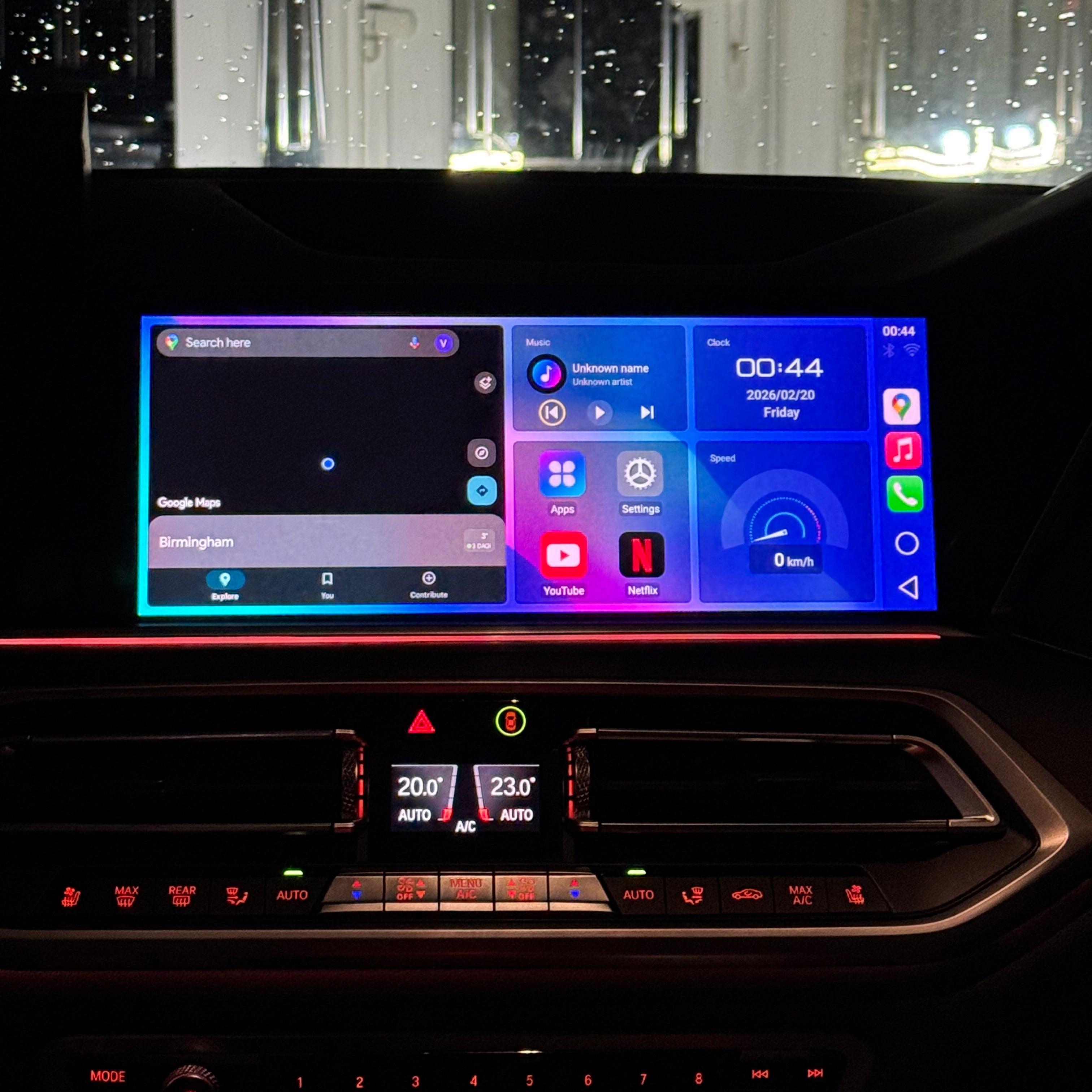
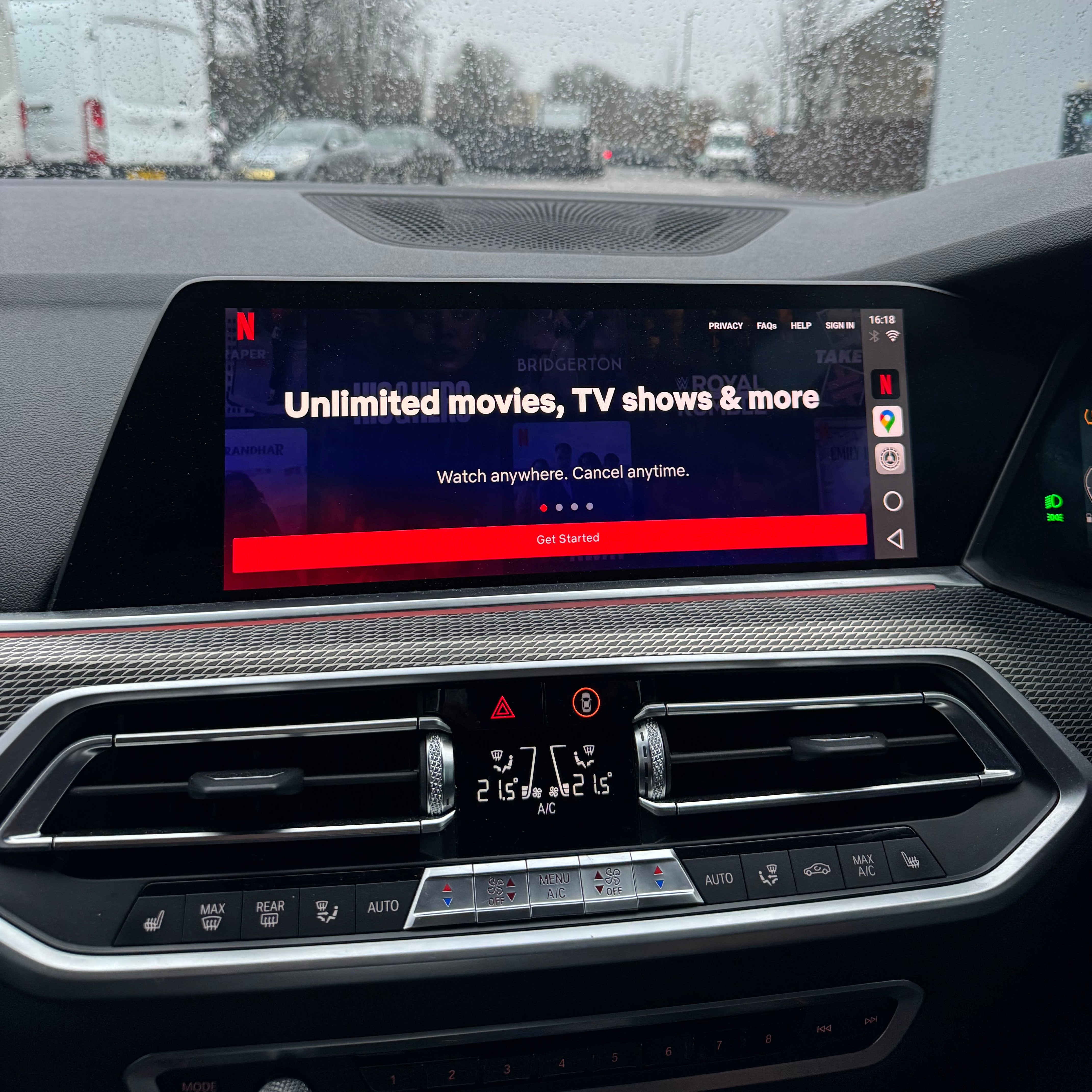
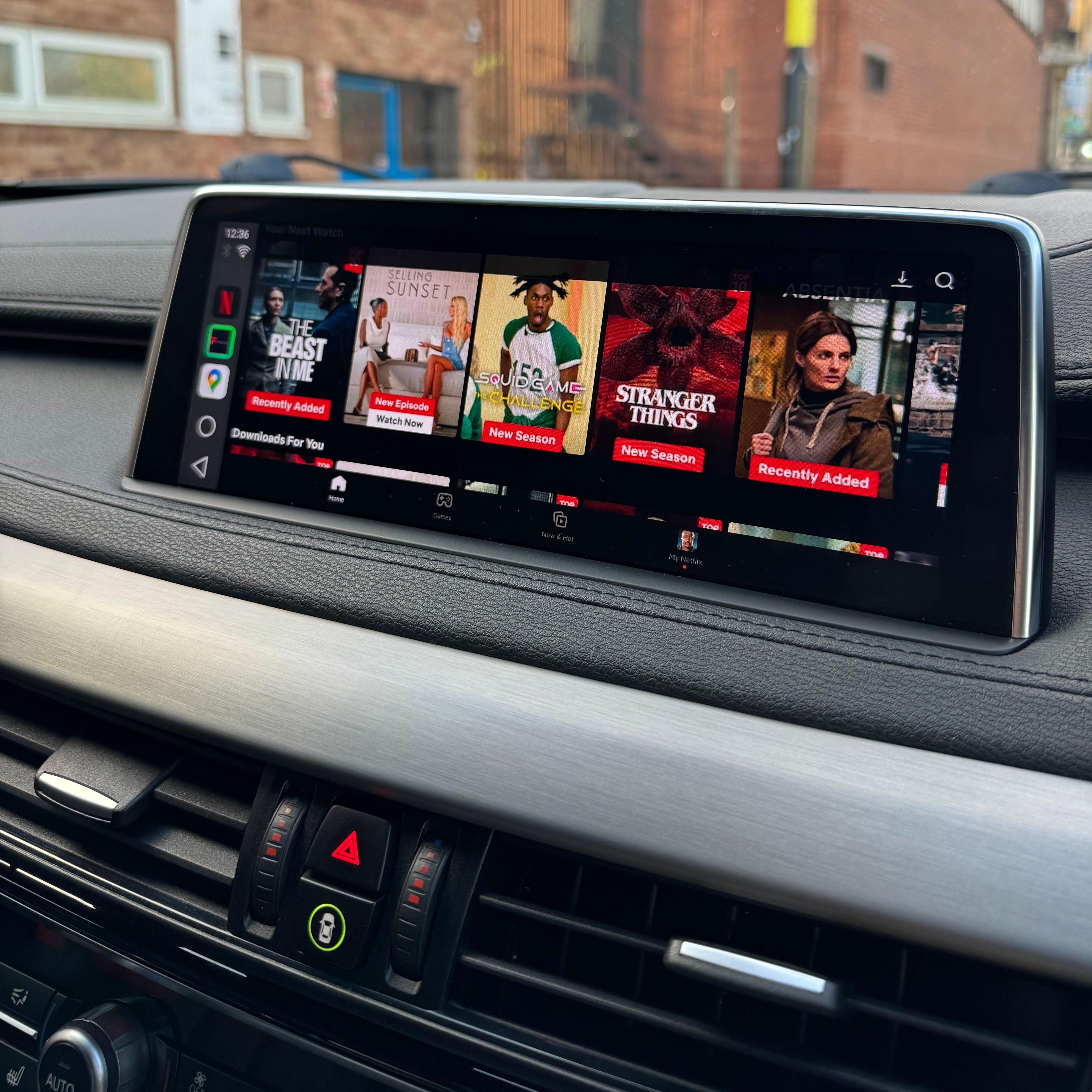
This BMW VMC Multimedia Box works perfectly in BMWs and is compatible with most other vehicles as a universal solution. Unlock a new level of functionality for your BMW iDrive system with the latest BMW VMC Multimedia Box. Compatible with all iDrive systems up to the latest iDrive 10, this device enhances your in-car experience by enabling access to your favourite apps like YouTube, Netflix, Disney+, Freeview, Prime TV and additionally install any .apk & all third party apps all through your BMW’s Apple CarPlay.
Key Features & Benefits
Simple Plug-and-Play Setup – Easy installation via USB port, no complicated wiring or installation needed.
Wireless Android Auto Support – If your BMW has Apple CarPlay, this box enables Wireless Android Auto as well.
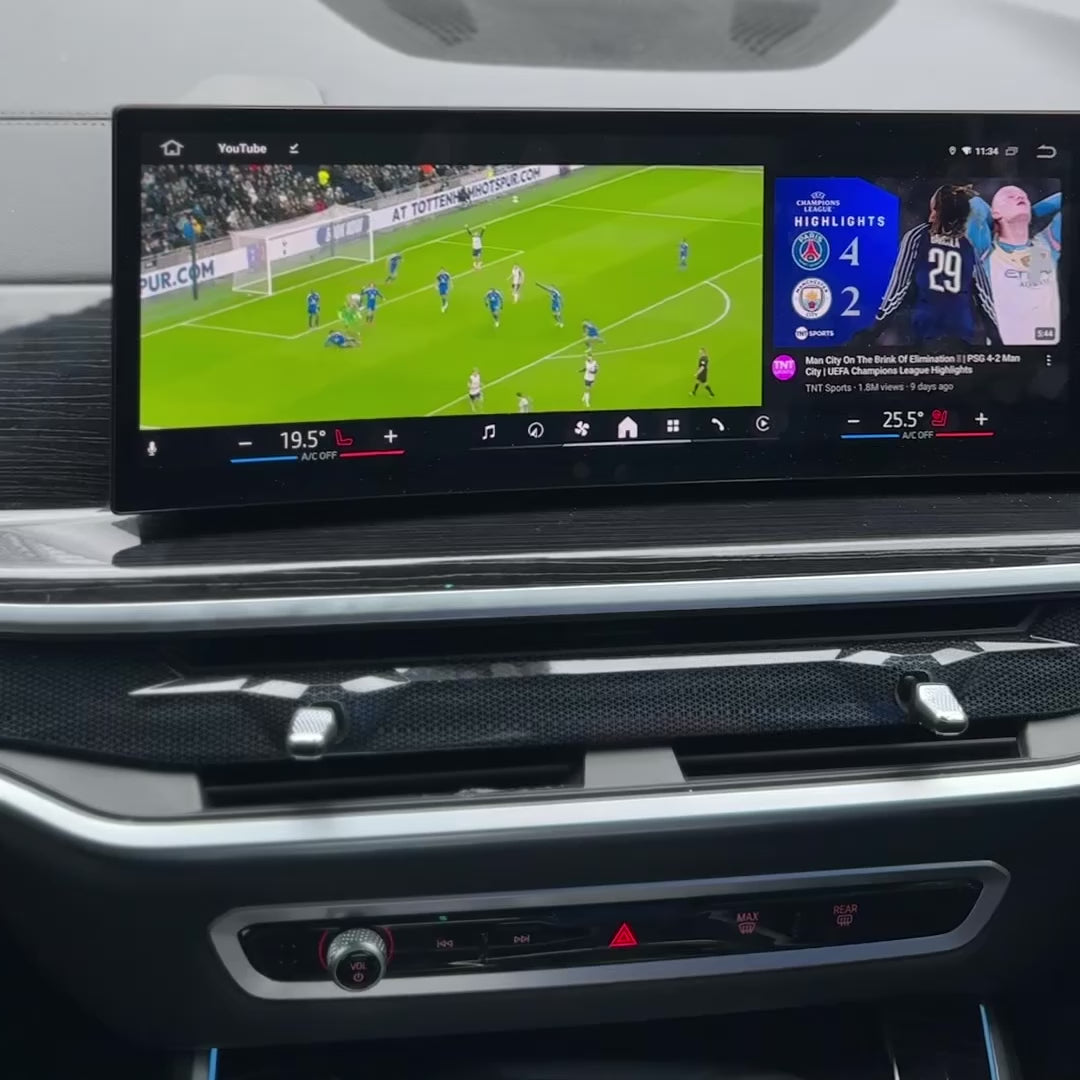
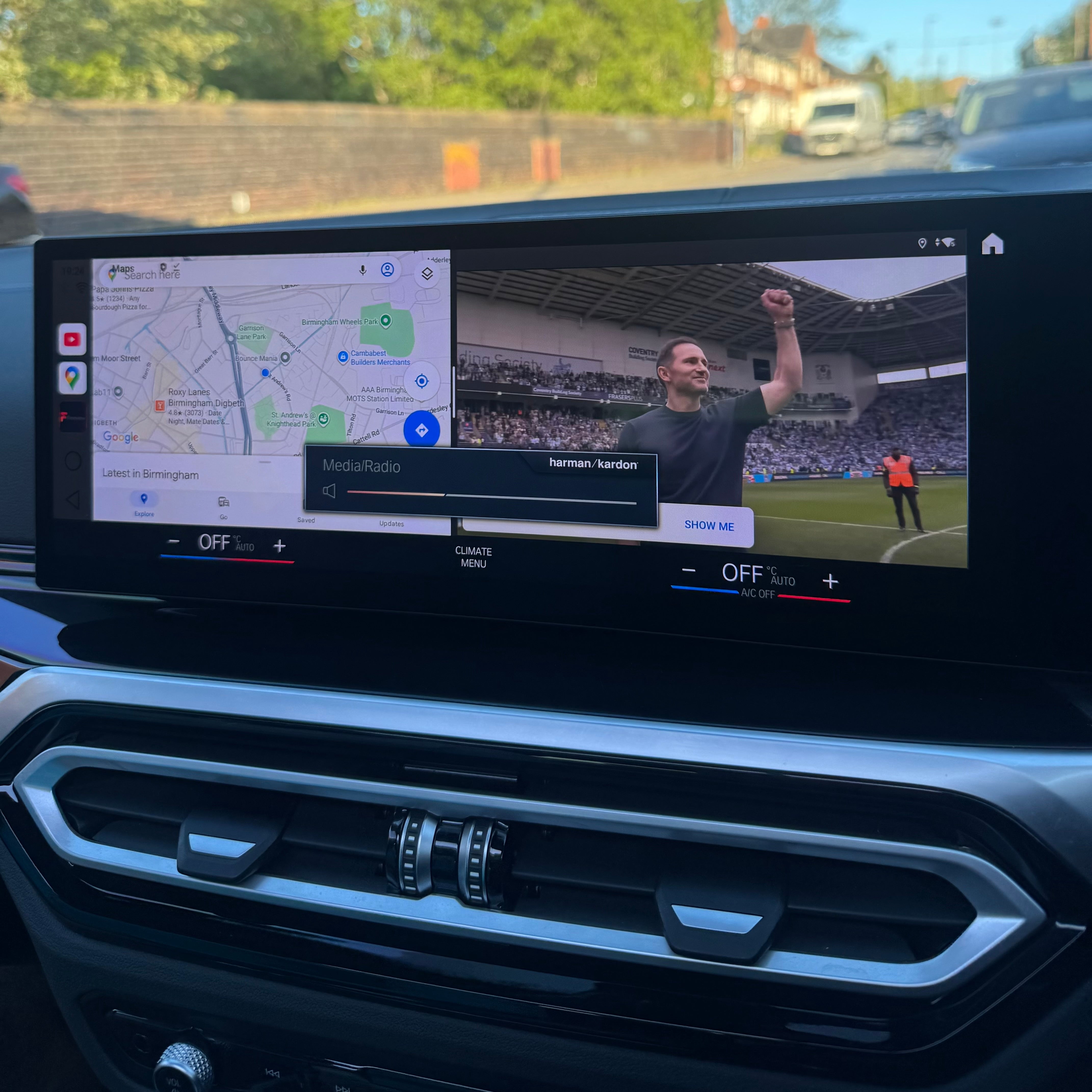
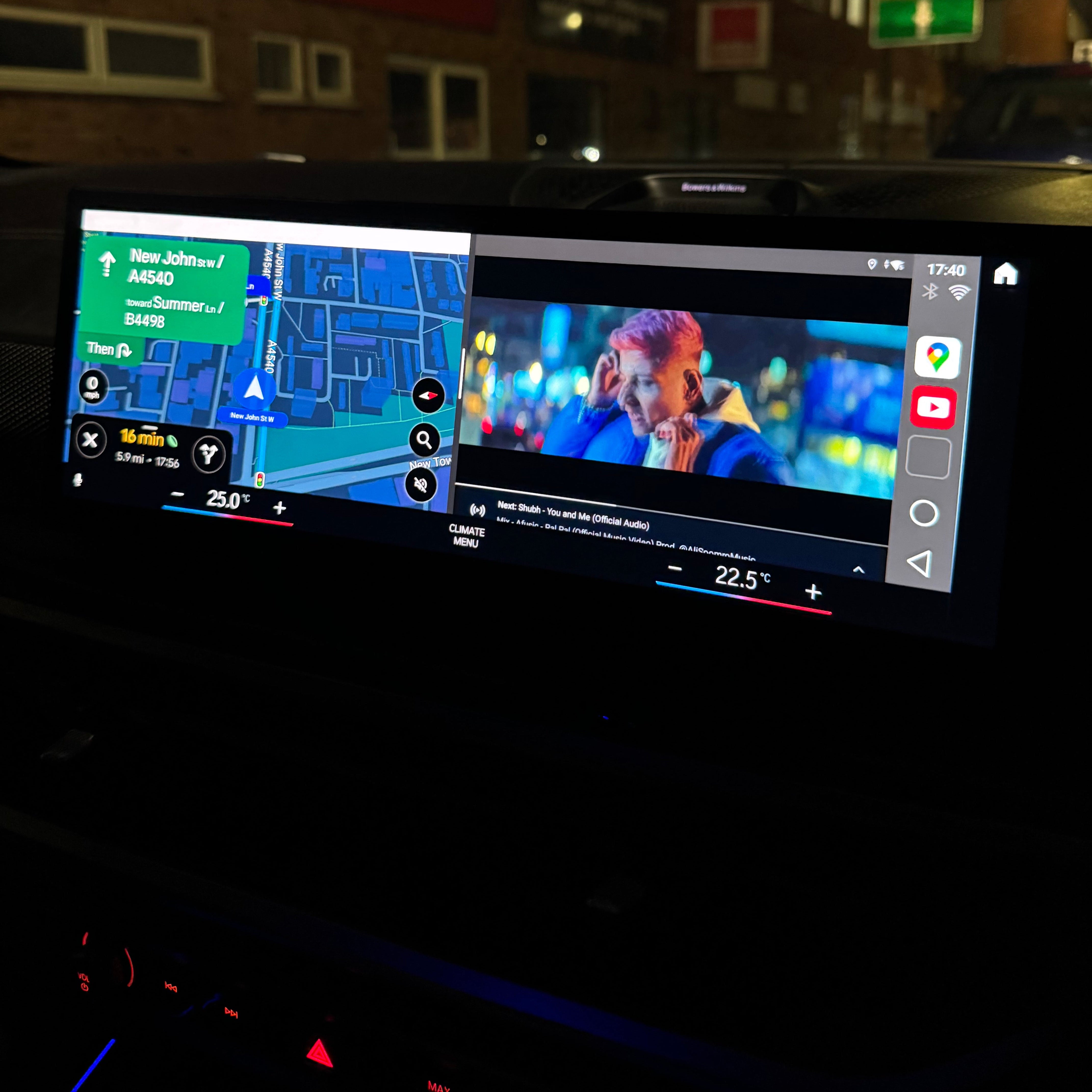
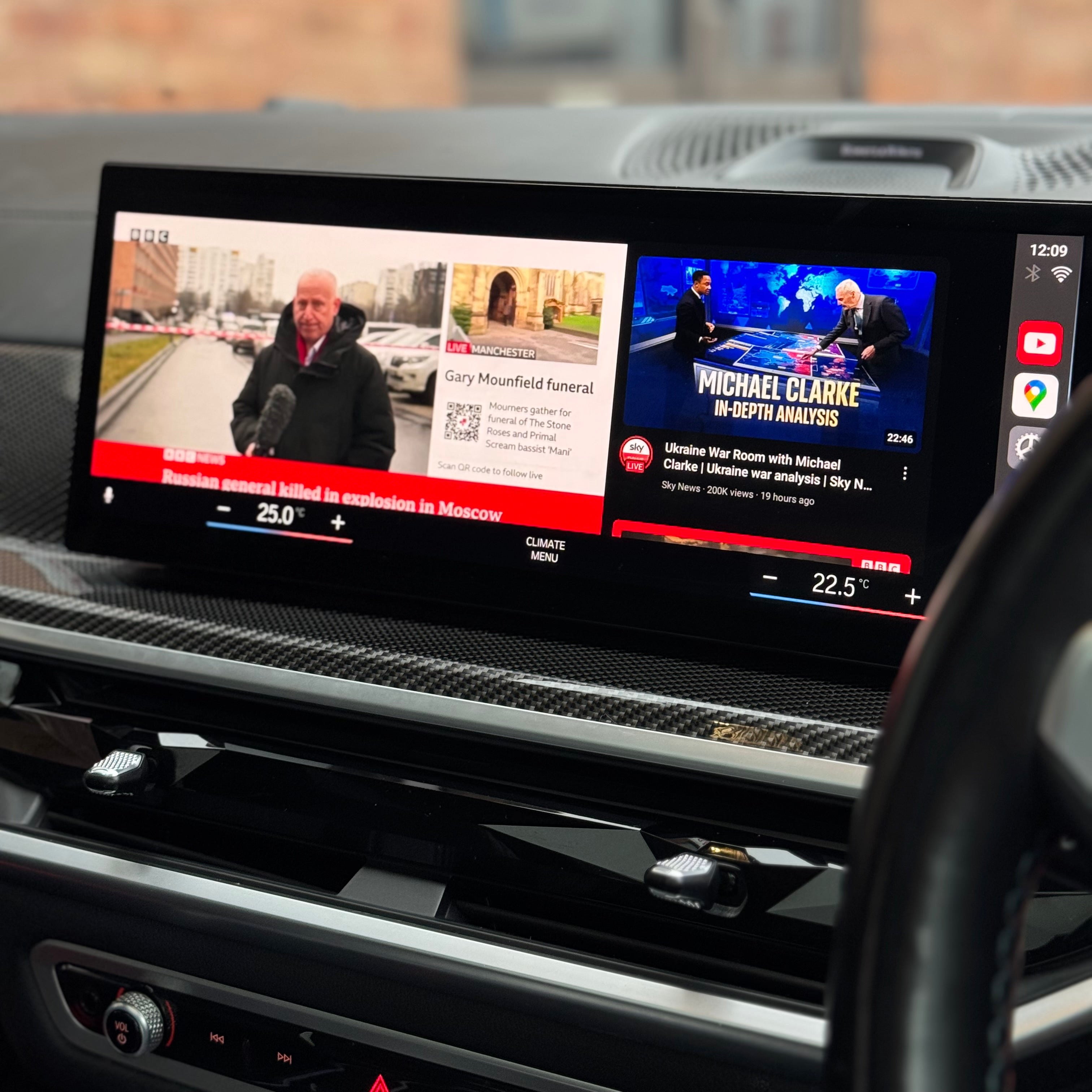
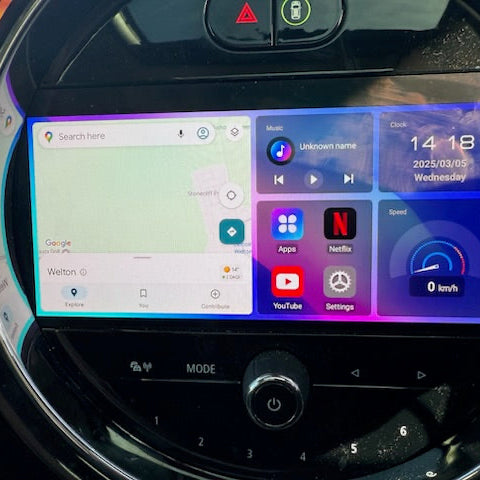
Split Screen Functionality – Use YouTube and Maps (or any other app combination) side by side on your iDrive screen.
Simultaneous Bluetooth & Video Streaming – Unlike standard CarPlay, which disconnects Bluetooth, this box allows you to stream videos while staying connected to the box’s Bluetooth for calls.
Wi-Fi Hotspot Supported – Use your phone’s hotspot or a SIM card for internet access, ensuring uninterrupted streaming.
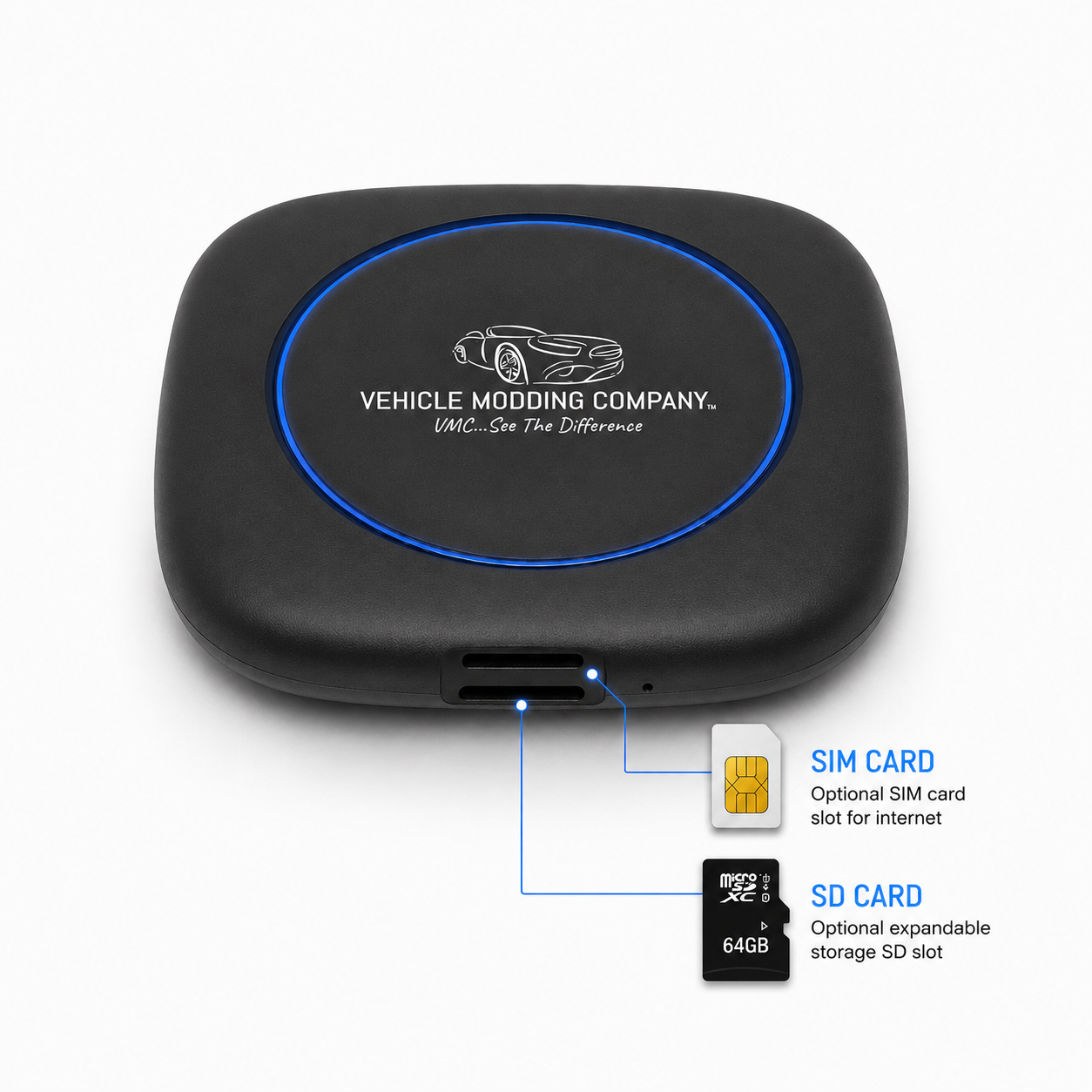
SIM Card Slot for Mobile Data – Insert a SIM card for mobile data, calls, and connectivity on the move.
SD Card Slot for Personal Media – Play music, movies, and photos directly from a SD card when vehicle is in motion.
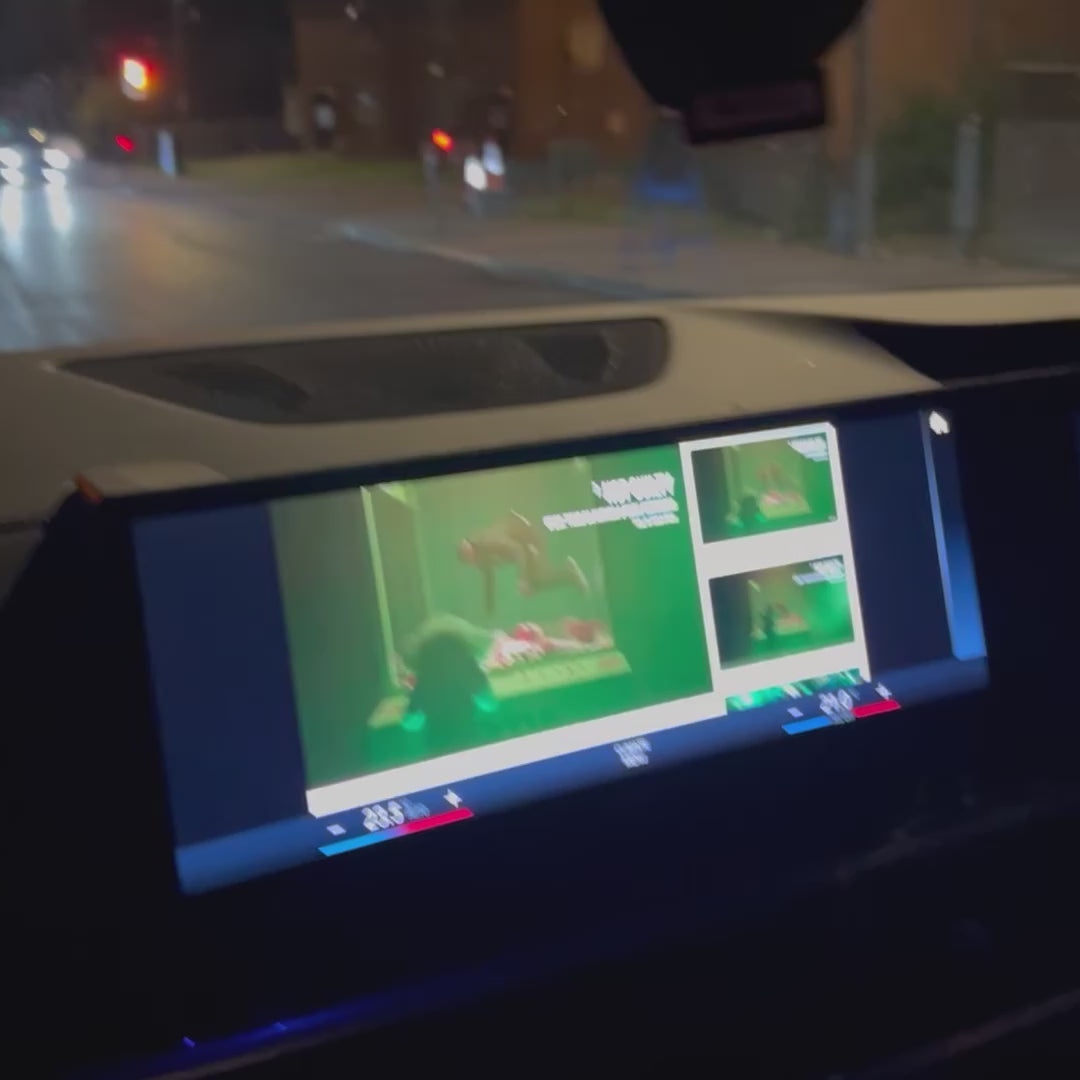
Works While Driving – Enjoy apps and streaming content even while on the road.
Fast, Smooth Interface – Quick app loading and seamless navigation for an improved in-car experience.
No Need for Replacement Components – Upgrade your BMW’s entertainment system without changing any original components. Simply plug it into the USB port and enjoy.
The VMC Multimedia Box does not require a SIM. You can use your phone’s hotspot, existing car Wi-Fi or your own compatible SIM for internet access. Add our Unlimited Data SIM for £79.99: one-time payment with unlimited data, valid until April 2028. No monthly subscription.
Product Specifications
Wireless CarPlay/Android Auto: Supported
RAM + ROM: 4GB + 64GB
Processor: Qualcomm 6125 - Latest Android Version
Graphics: Adreno 610 GPU
Split Screen: Supported
GPS: Built-in
Ports: USB Type-C, TF Card Slot (up to 256GB), SIM Card Slot
Start Time: 5-8 seconds
Additional Features
PhoneLink – Supports wireless mirroring for iPhone and Android devices.
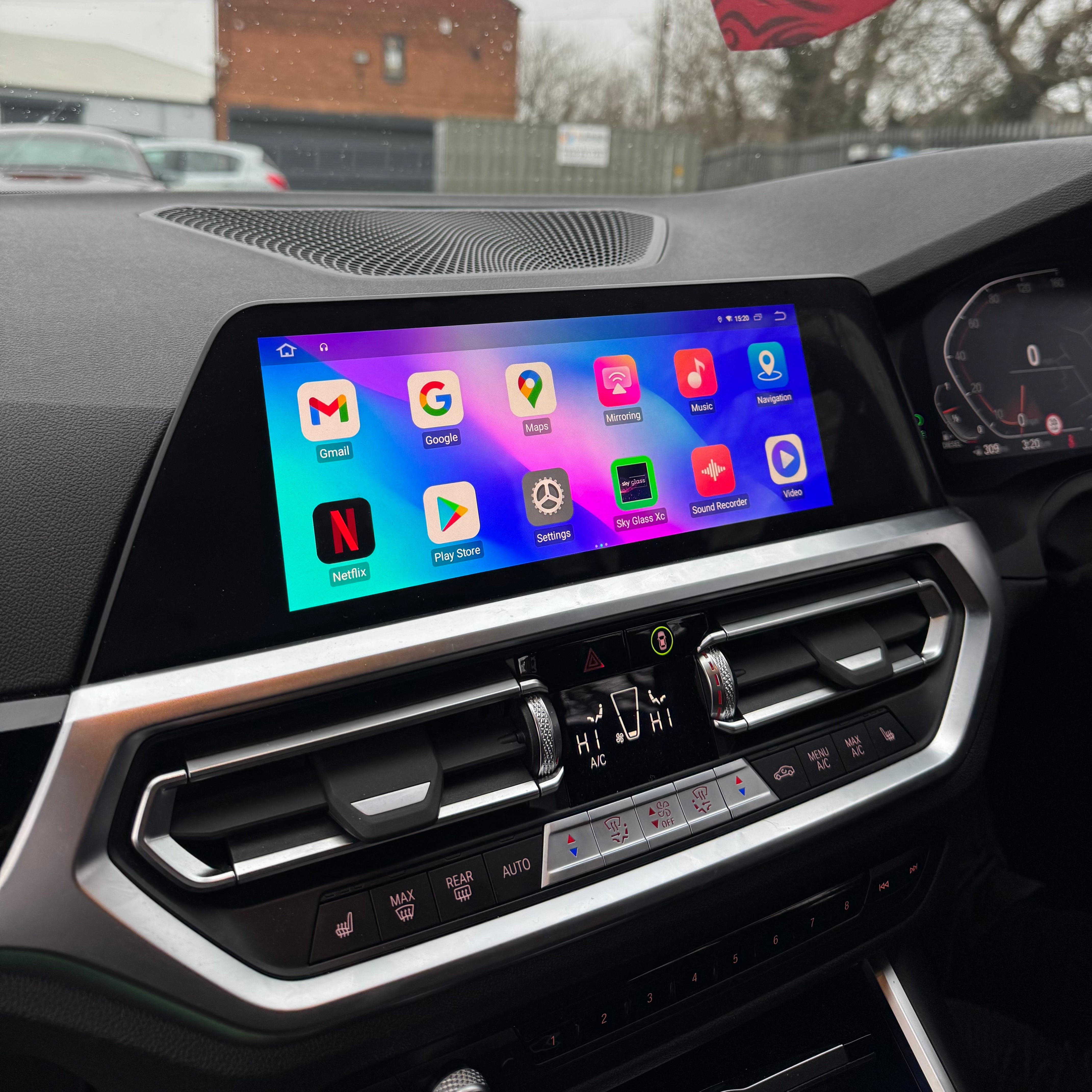
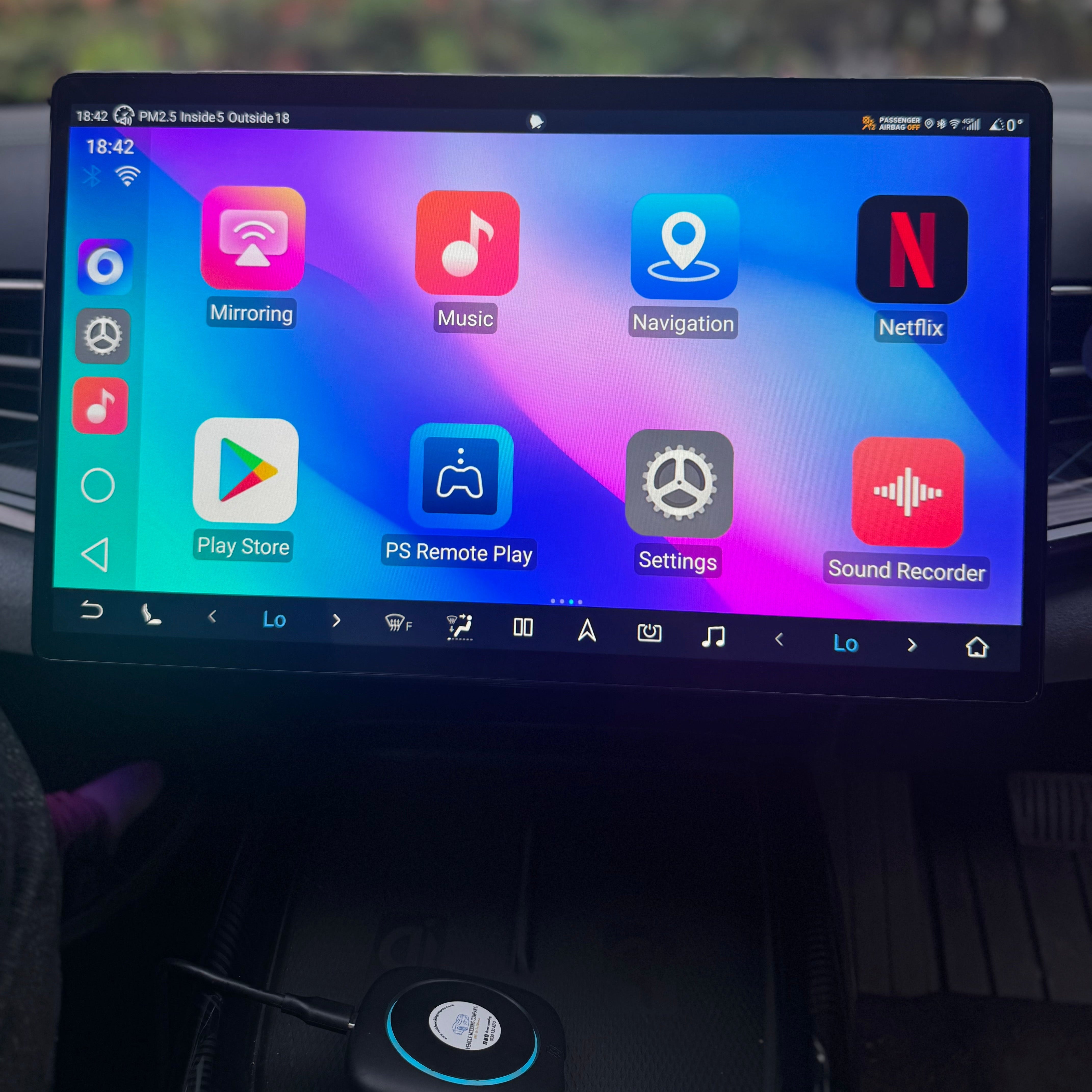
App Installation – Play Store compatible, allowing you to install any app.
Bluetooth Handsfree – Make and receive calls directly through the box.
Bluetooth Music – Stream music wirelessly via Bluetooth while using the box.
This BMW VMC Multimedia Box ensures that BMW owners get the most out of their in-car entertainment and connectivity.
Instructions
Whats Included
Shipping, Returns & Warranty
Why VMC?
Designed specifically for BMW drivers who expect seamless integration without compromising their vehicle’s original system.
BMW iDrive systems require a more specialised approach, and not all multimedia solutions are compatible. The VMC BMW system is engineered specifically for BMW vehicles, delivering a stable and fully integrated experience.
Developed by a UK-based vehicle customisation company with real-world experience working on BMW vehicles, this system is built from practical knowledge, not generic hardware reselling.
Many products are advertised as universal solutions, however they are not designed to function correctly with BMW systems. The VMC BMW system is purpose-built to work reliably within BMW’s ecosystem.
Trusted by thousands of drivers and backed by a growing community of over 22,000 followers, it represents a proven upgrade used in real vehicles every day.
Built for smooth performance, clean integration and everyday usability, delivering a factory-style experience with modern entertainment functionality.
🇬🇧
UK company. UK support. Real people, not scripts.
YOUR FAVORITE APPS
The VMC supports any app on the Google Play Store and/or APK App store. Here are some of our customer favorites!















Step 1
Connect VMC BMW box to your car USB port. Click Media -> Mobile Devices -> Add New Device -> VMC **** -> Use CarPlay
Step 2.
You have 2 options. Insert a SIM card directly into the VMC box or connect it to your phone hotspot or car Wi-Fi.
Step 3.
Download your favorite apps from the app store or use our pre-downloaded apps to start streaming!
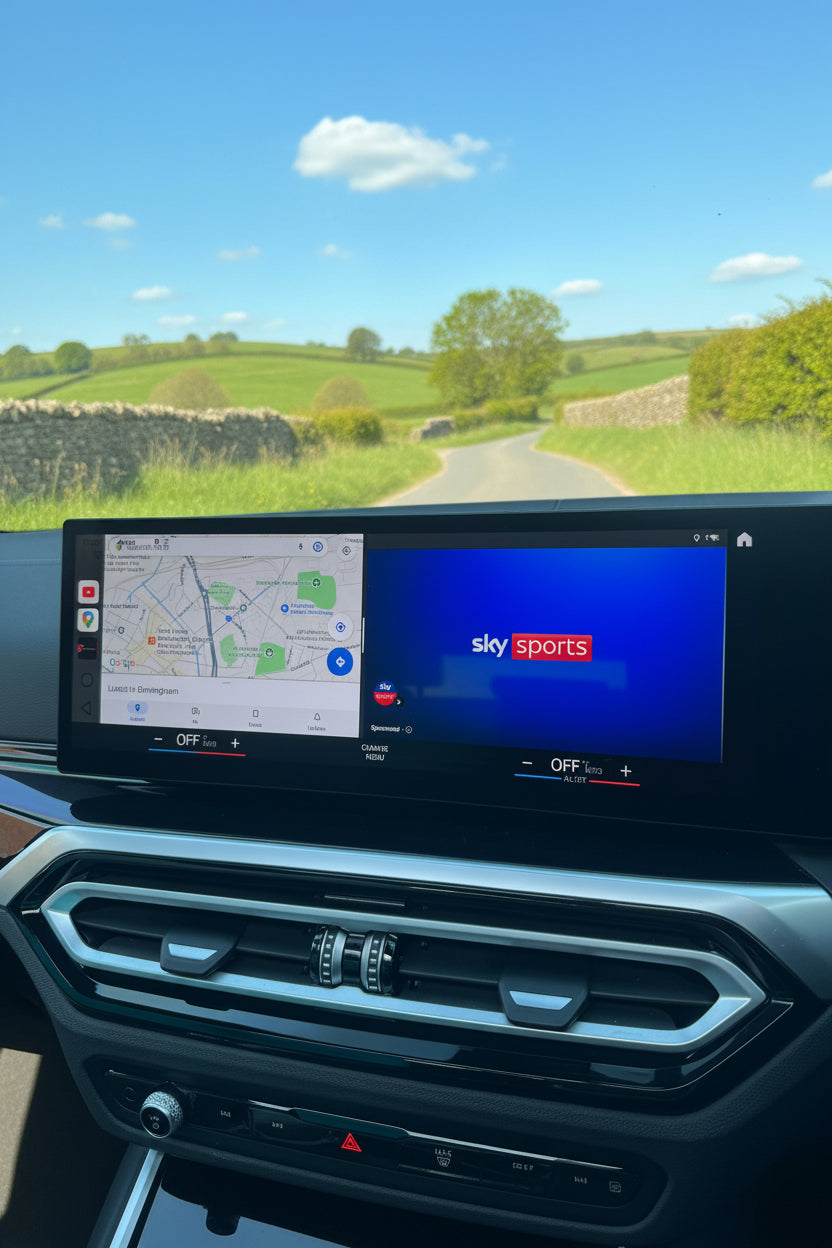
Works on any BMW, MINI, ROLLS ROYCE, BYD vehicle that is equipped with wireless Apple CarPlay or Android Auto
No hassle setup in less than 3 minutes with a sleek design to stow away near USB ports.
Works with iPhone & Android devices!
Works on any BMW, MINI, ROLLS ROYCE, BYD vehicle that is equipped with wireless Apple CarPlay or Android Auto
No hassle setup in less than 3 minutes with a sleek design to stow away near USB ports.
Works with iPhone & Android devices!
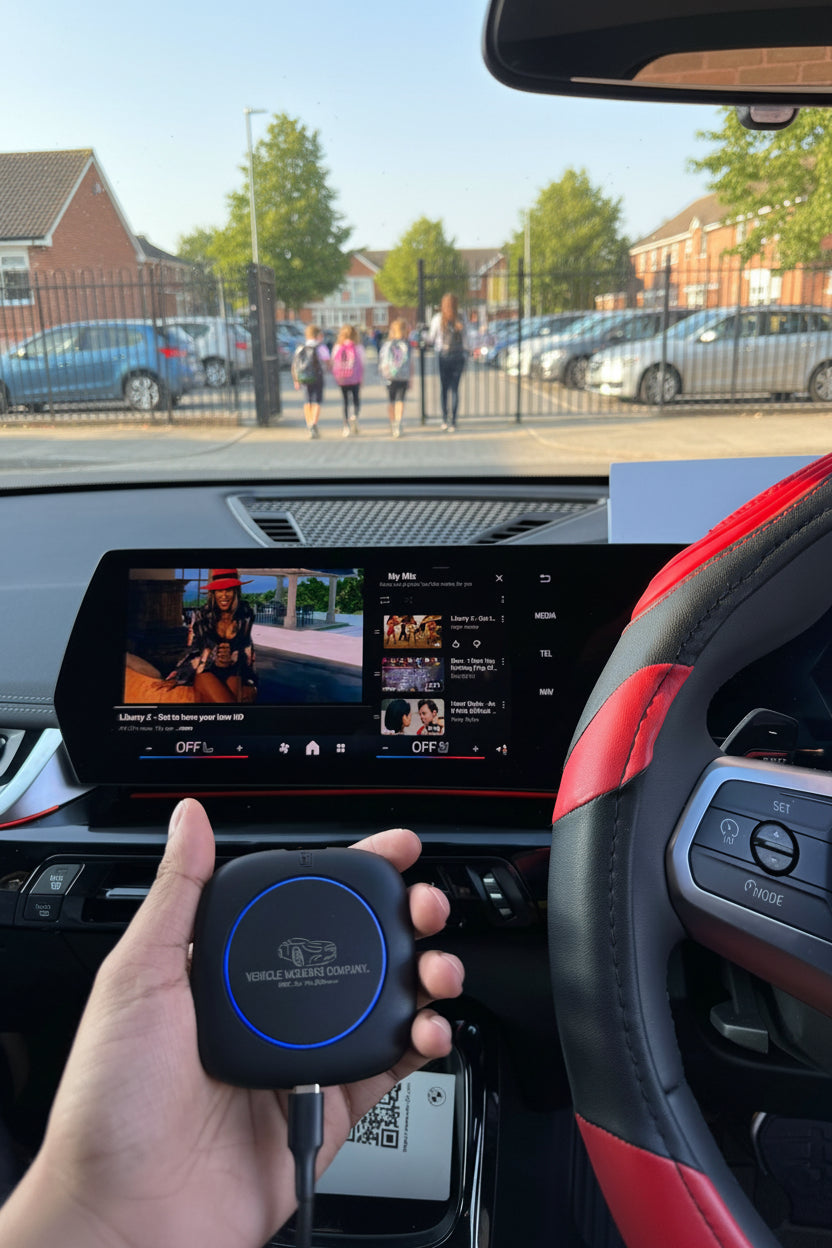
Grab a VMC and never have another dull moment in your car. Stop watching videos on your phone while you wait and start streaming right on your car display screen.
Grab a VMC and never have another dull moment in your car. Stop watching videos on your phone while you wait and start streaming right on your car display screen.
FAQ’s on BMW VMC Multimedia
Is it plug and play or does it require coding?
Simple plug and play to USB, no coding required!
What does the VMC BMW Multimedia Box do?
It enhances your BMW’s iDrive system by unlocking access to apps like YouTube, Netflix, Prime Video and more, all displayed on your original screen. It also enables Android Auto on BMW models that only came with Apple CarPlay.
Does this work with my BMW?
Yes, as long as your BMW supports wireless Apple CarPlay or Android Auto. It also works perfectly on vehicles where CarPlay has been activated after purchase.
Do I need any additional apps to make it work?
Nope, we've pre-installed the most popular streaming apps to the box for you. The Google Play store is accessible from the box to download any app if you wish.
Will this replace my original BMW system?
No. It runs alongside your original system. You can switch between BMW iDrive and the multimedia system anytime.
How to watch Netflix from Apple CarPlay?
Netflix app will be preinstalled on the VMC device. Log into your account and start streaming your favorite shows.
How to play videos on CarPlay?
Turn your cars display screen into a smart TV using VMC BMW Multimedia Box. Simply plug the VMC into your car's USB port and the regular CarPlay or Android Auto screen will be replaced with ours. Download any app and start streaming with The VMC Box.
Will it affect my car warranty?
No permanent changes are made. It’s fully reversible, so you can remove it at any time.
Where do you ship to?
We ship to United Kingdom and internationally!
How long will my order take?
We offer multiple delivery options at checkout to suit your needs, including:
- Free Standard Delivery
- Express Delivery
- Next Day Delivery
- Saturday Delivery
Delivery times and costs will be shown clearly at checkout before payment.
Orders placed before 3PM are usually dispatched the same working day.


Blog posts
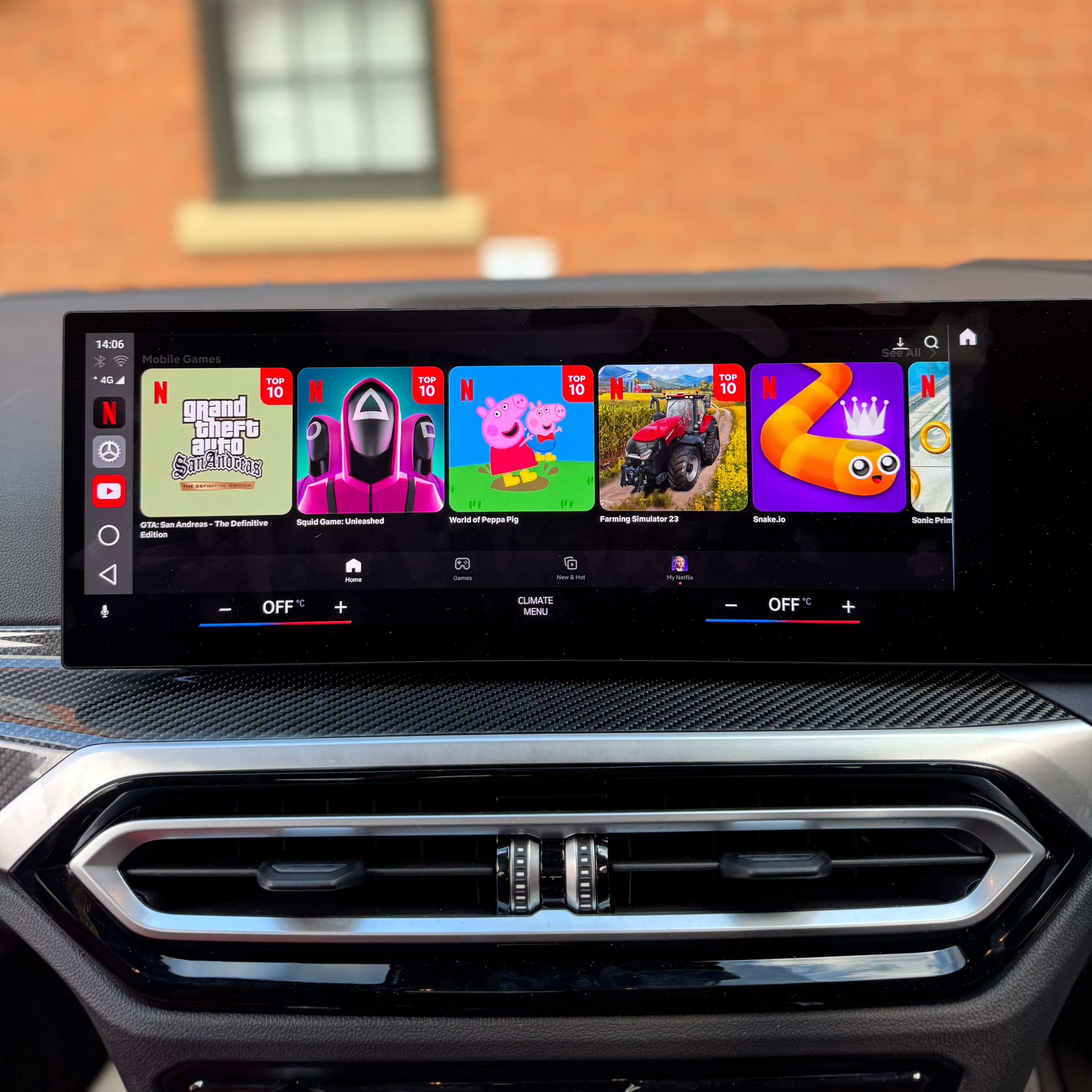
Watch Netflix and YouTube in Your BMW: VMC Multimedia AI Box (iDrive 6-10)
VMC BMW Multimedia AI Box for BMW iDrive 6-10. 4GB RAM, 64GB storage, Android 15, SIM slot. Watch anything, anywhere. Free UK delivery.
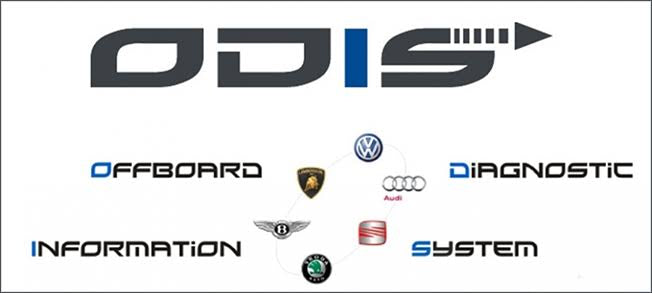
Vehicle Modding Company offers authorised ODIS online programming for all VAG vehicles including Audi, Volkswagen, SEAT, Škoda, Bentley and Lamborghini, plus official BMW ISTA online programming. W...
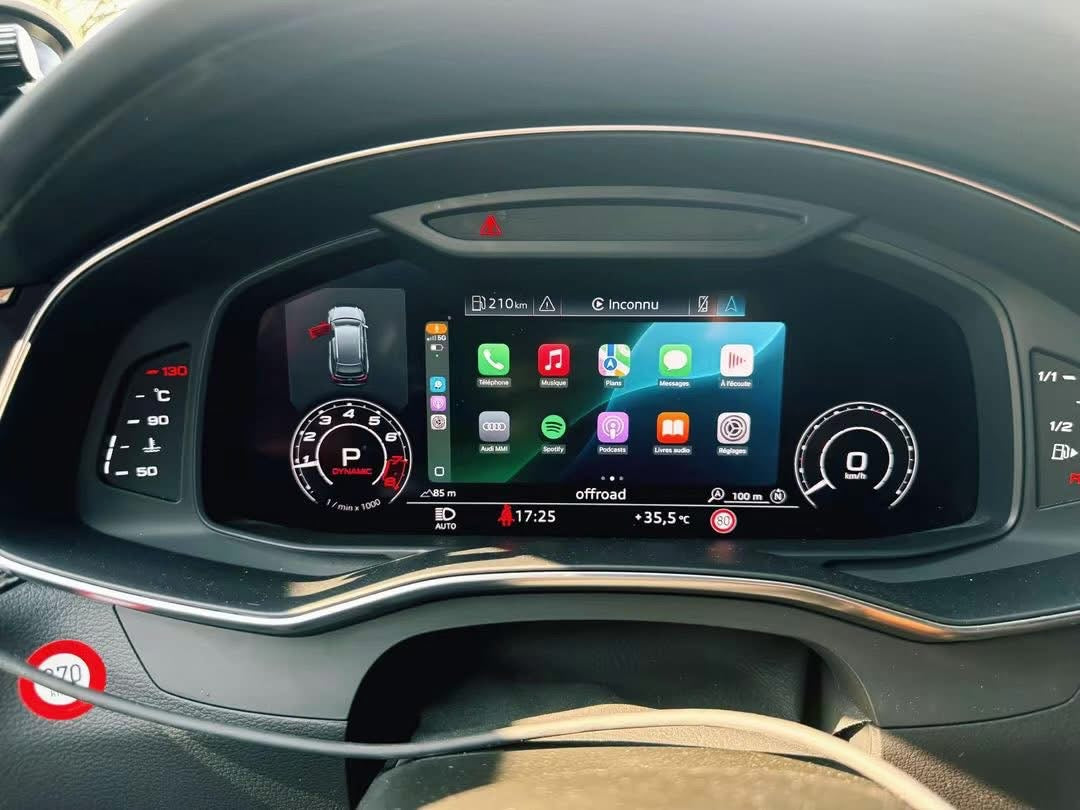
Project Apple CarPlay & Android Auto to Your Audi Virtual Cockpit – MH2P OEM Feature
Upgrade your Audi MH2P (MIB2 High Plus) with our OEM Virtual Cockpit CarPlay & Android Auto projection service. Display your existing CarPlay or Android Auto directly in the Audi Virtual Cockpi...