




If you own a BMW, you've heard of iDrive. It's the brain of your infotainment system – controlling your navigation, media, communications, and vehicle settings. But with so many versions (iDrive 5, 6, 7, 8, 8.5, 9, and even 10), it can be confusing to know what your car has and what upgrades are possible.
At VMC Coding, we specialise in BMW multimedia upgrades. Every day, we hear questions like:
· "Can I add Netflix to my 2019 BMW?"
· "Does my iDrive 7 support Android Auto?"
· "Will the VMC Multimedia Box work in my 2024 iDrive 8.5 car?"
This guide answers all of those questions and more. Whether you're considering a VMC Multimedia AI Box or just want to understand your BMW's system better, read on.

📋 BMW iDrive Versions at a Glance
iDrive Version Years Key Features CarPlay Support VMC Box Compatible?
iDrive 5 (NBT EVO) 2016–2018 Touch controller, optional touchscreen, split-screen Wired CarPlay (retrofit possible) ✅ Yes (with wired CarPlay)
iDrive 6 (NBT EVO) 2017–2018 Improved graphics, better voice control Wired CarPlay ✅ Yes
iDrive 7 (MGU) 2019–2021 Live Cockpit, full touchscreen, natural voice Wireless CarPlay standard ✅ Yes
iDrive 8 2021–2022 Curved display, reduced buttons, "Hey BMW" voice Wireless CarPlay ✅ Yes
iDrive 8.5 2023–2024 QuickSelect menu, Android-based, over-air updates Wireless CarPlay ✅ Yes
iDrive 9 2024–2025 Further Android integration, enhanced app store Wireless CarPlay ✅ Yes
iDrive 10 2025–2026 Next-gen interface, advanced AI features Wireless CarPlay ✅ Yes

🔍 How to Check Which iDrive Version You Have
Not sure which version is in your BMW? Try these methods:
Method 1: Check Your Settings Screen
1. Go to Main Menu > Settings
2. Select General Settings
3. Choose Software Update
4. Look at the "iDrive version" or "Media Version" displayed
Method 2: Check Your Model Year
Use this rough guide:
Model Approximate iDrive Version
BMW 3 Series (F30) late 2016–2018 iDrive 5 or 6
BMW 3 Series (G20) 2019–2021 iDrive 7
BMW 3 Series (G20 LCI) 2022–2024 iDrive 8
BMW 5 Series (G30) 2017–2020 iDrive 6 or 7
BMW 5 Series (G60) 2024 onwards iDrive 8.5 or 9
BMW X5 (G05) 2019–2023 iDrive 7
BMW X5 (G05 LCI) 2024 onwards iDrive 8.5
BMW iX (all) iDrive 8 or higher
Not sure? Contact us with your VIN (Vehicle Identification Number) and we'll tell you exactly what you have.
🎬 Can You Watch Netflix on Your BMW iDrive?
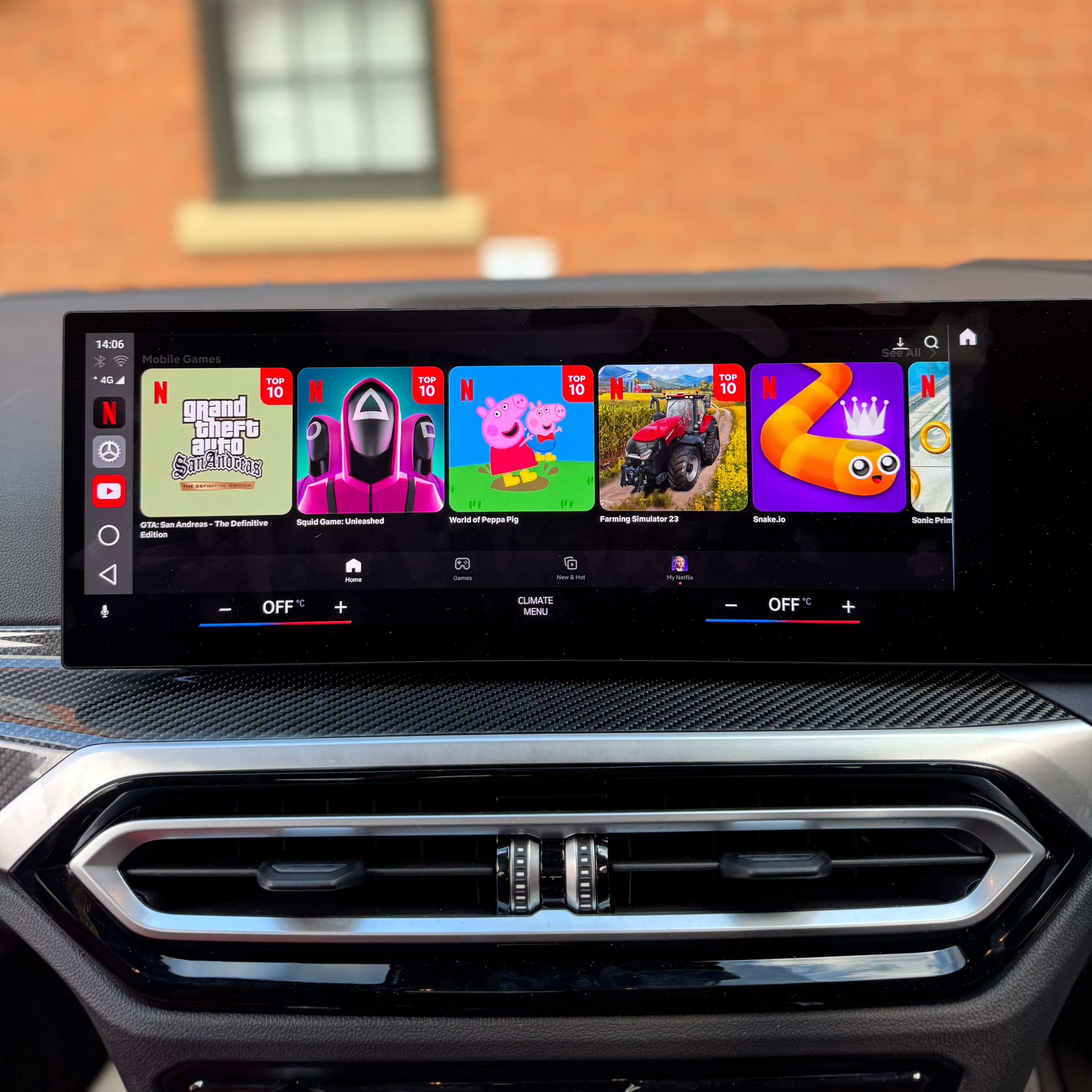
Standard BMW iDrive does NOT include video streaming apps – regardless of which version you have. Even the latest iDrive 9 and 10 don't come with Netflix, YouTube, or Disney+ pre-installed.
However, if your BMW has Apple CarPlay, you can add full video streaming with the VMC BMW. Multimedia AI Box.

Compatibility by iDrive Version
The VMC Multimedia Box is compatible with BMW vehicles running iDrive 5 through to iDrive 10.
Your vehicle must have Apple CarPlay enabled for the VMC Box to function.
Some BMW models include CarPlay from factory, while others may require CarPlay activation or flashing beforehand.
If your BMW does not currently have Wireless Apple CarPlay, we can activate this first, allowing the VMC Multimedia Box to work correctly.
Once installed, the VMC Box unlocks:
• Android Auto
• YouTube
• Netflix
• Streaming apps
• Full Android system on your BMW display
Check Your Vehicle Compatibility
To confirm compatibility, please send us:
• Make
• Model
• Year
• VIN number
📩 Email or WhatsApp us your vehicle details and our team will confirm compatibility and available upgrade options.
Not sure which iDrive system you have? Contact us and we’ll check everything for you.
The result? Once connected, your BMW screen becomes a smart TV. You can stream, browse, game, and more – all while retaining full iDrive functionality.

📱 What About Android Auto?
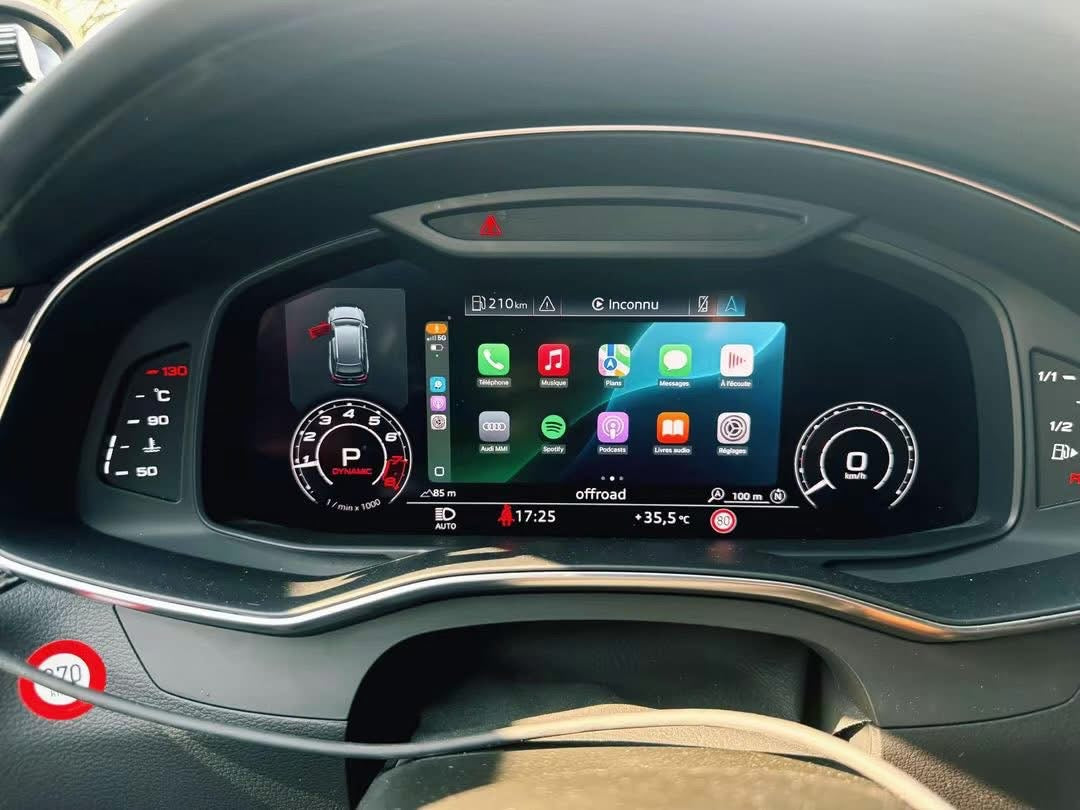
Good news: if you add the VMC BMW Multimedia Box, you get wireless Android Auto as a bonus feature – even if your BMW only officially supports Apple CarPlay.
That means:
· ✅ iPhone users get CarPlay + Android apps
· ✅ Android users get full wireless Android Auto
· ✅ Everyone gets Netflix, YouTube, and the Google Play Store
🧠 Which BMW Models Are Compatible with VMC?
The VMC Multimedia Box works with any BMW, MINI, or BYD that has factory wired or wireless Apple CarPlay. That includes virtually all models from 2016 to 2026.
Compatible BMW Series:
Series Models
1 Series F40, F52 (2019–2024)
2 Series F22, F23, F44, F45, F46, G42 (2016–2024)
3 Series F30, F31, F34, F35, G20, G21 (2016–2024)
4 Series F32, F33, F36, G22, G23, G26 (2016–2024)
5 Series G30, G31, G38, G60 (2017–2024)
6 Series G32 (2017–2023)
7 Series G11, G12, G70 (2016–2024)
8 Series G14, G15, G16 (2018–2024)
X1 F48, U11 (2016–2024)
X2 F39 (2018–2024)
X3 G01, G08 (2017–2024)
X4 G02 (2018–2024)
X5 G05 (2019–2024)
X6 G06 (2020–2024)
X7 G07 (2019–2024)
iX I20 (2022–2024)
i3 I01 (2016–2022)
i4 G26 (2022–2024)
i5 G60 (2024)
i7 G70 (2023–2024)
i8 I12 (2016–2020)
MINI Models: All MINI with Apple CarPlay (2016–2026)
BYD Models: All models (please specify when ordering)
🛠️ How to Add Netflix to Your BMW (Step-by-Step)
If your BMW is compatible, here's how simple it is:
1. Choose Your VMC Box
Visit our BMW VMC Multimedia AI Box product page and order your box.
2. Plug It In
When your box arrives:
· Locate your BMW's USB port (centre console or glovebox)
· Plug in the VMC box using the provided cable
· Media - Mobile Devices - Add a New Device - CarPlay - Wait 5–8 seconds for the system to boot
3. Connect to the Internet
· Use your phone's Wi-Fi hotspot
· Or insert a SIM card with a data plan into the box's SIM slot
4. Download Your Apps
· Open the Google Play Store
· Download Netflix, YouTube, Disney+, or any app you want
· Log in to your accounts
5. Start Watching!
· Navigate using your iDrive controller or touchscreen
· Enjoy your favourite shows on the big screen

❓ Frequently Asked Questions
Q: Will the VMC box work while driving?
A: Yes – video plays even when the car is moving. This is great for passengers. Please always prioritise safe driving.
Q: Do I need a data plan?
A: For streaming, yes. You can use your phone's hotspot or insert a pay-as-you-go SIM card. For offline playback, load movies onto a TF card (up to 256GB).
Q: Will this affect my BMW warranty?
A: No. The VMC box is plug-and-play and doesn't modify your BMW's original software or hardware. Just unplug it and your system is back to standard.
Q: My BMW doesn't have CarPlay. Can I still use the VMC box?
A: Possibly. If you have a compatible aftermarket CarPlay retrofit, the box will work. Contact us with your car's details and we'll advise.
Q: How do I control everything without a touchscreen?
A: Use your iDrive rotary controller. For even easier navigation, add our optional VMC Remote at checkout.
🏆 Why Choose VMC Coding?
Feature VMC Advantage
UK-Based support real people, real help, no overseas call centres
Fast Delivery Free next-day delivery to UK mainland
Local Pickup Collect from Birmingham, Walsall, Wednesbury, or Wolverhampton
Customer Love 4.83/5 from real reviews
Pay with Klarna Spread the cost if you prefer
🚀 Ready to Upgrade Your BMW iDrive?
Join hundreds of UK BMW owners who now enjoy Netflix, YouTube, Disney+, and more on their factory screens.
👉 Order Your BMW VMC Multimedia AI Box Today
📦 Free next-day delivery | 📍 Pickup from Midlands warehouses | 💳 Pay in instalments with Klarna or PayPal
Not sure about compatibility? Use our live chat or contact form – send us your VIN and we'll confirm in minutes.

What our customers say:
"Great bit of kit. Next day delivery. They helped me set it up." – Lee Richardson ⭐⭐⭐⭐⭐



4 comments
Nick Cooper
BMW f32 435d 2017 idrive6
What do I need please?
Graham
Is the VMC compatible with a 2025 BMW X2? Think it operates on a i9 system.
Neil Millington
Hi ….on Spotify and Amazon Music it ways says im offline….even though I have a working g sim card installed showing a 4g connection. I can see the menu screen loading but nothing plays What can I do?
Cheers
Neil
Neil Millington
Hi ….on Spotify and Amazon Music it ways says im offline….even though I have a working g sim card installed showing a 4g connection. I can see the menu screen loading but nothing plays What can I do?
Cheers
Neil
Leave a comment
This site is protected by hCaptcha and the hCaptcha Privacy Policy and Terms of Service apply.